


 Prefer email?





MT5
WEBTrader
Why Trade on the ZXCM
MT5 WebTrader?
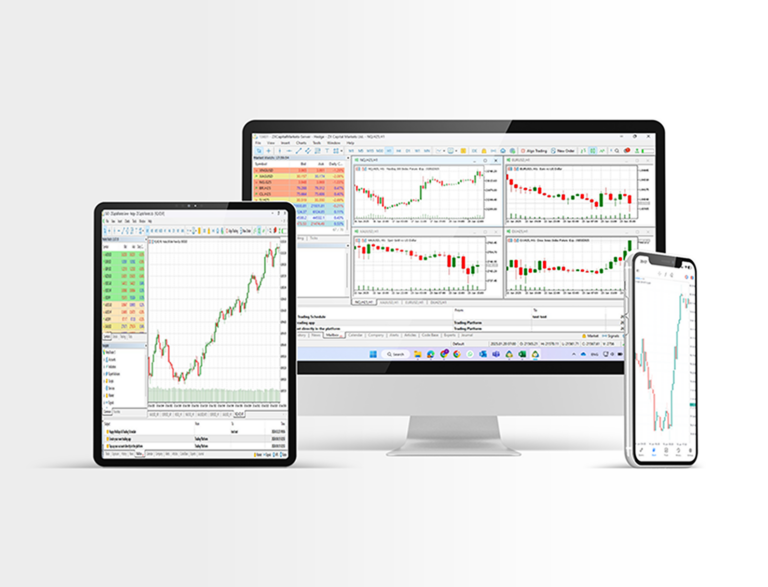
Available for PC and Mac OS, and without having to download any additional
software, the ZXCM MT5 WebTrader enables instant access to the global markets.
ZXCM MT5 WebTrader Features
Ability to Trade via a Web Browser
One Click Trading
Supports All Types of Trading Orders
Editable Properties of Graphical Objects
Over 1000 Instruments, including Stock CFDs, Stock CFDs, Stock Indices CFDs, Forex, CFDs on Crypto currencies, CFDs on divcious Metaals and CFDs on Energies
How to Access the ZXCM MT5 WebTrader
1
Access the terminal by
clicking here.
2
Enter your real or demo account
login data.
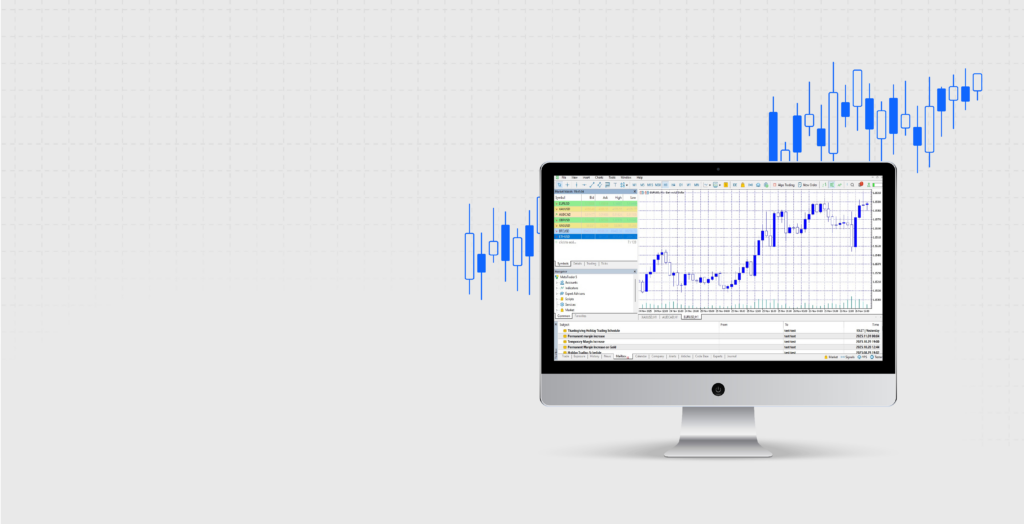
Without the need for extra downloads, you can fully utilize the ZXCM MT5 WebTrader for seamless online trading on both demo and live accounts. Its complete trading capabilities stem from its integration with MetaTrader 5, enabling one-click execution for opening and closing trades, setting stop and entry limits, placing direct orders, modifying stop loss and limit orders, and conducting chart analysis.
FREQUENTLY ASKED QUESTIONS
FAQ
Is the ZXCM Social Trader App available on iOS and Android?


The app is available on both iOS and Android.
Do I need a ZXCM account to use the app?
Yes, you’ll need to open a ZXCM trading account or link an existing one within the app.
Can I monitor performance after selecting a strategy?
The app includes monitoring tools to help you track performance and activity.
Does copy trading guarantee profit?
No. Trading involves risk, and results are not guaranteed. Past performance is not a reliable indicator of future results.
Where can I get support?
You can reach our support team at support@zxcm.com or through the support channels listed on the ZXCM website.