


 Prefer email?




Introducing ZXCM
Social Trader App

Clear performance insights

Structured experience

Risk tools & monitoring

Built for consistency
What ZXCM Social Trader Delivers
Designed for a More Controlled Trading Experience
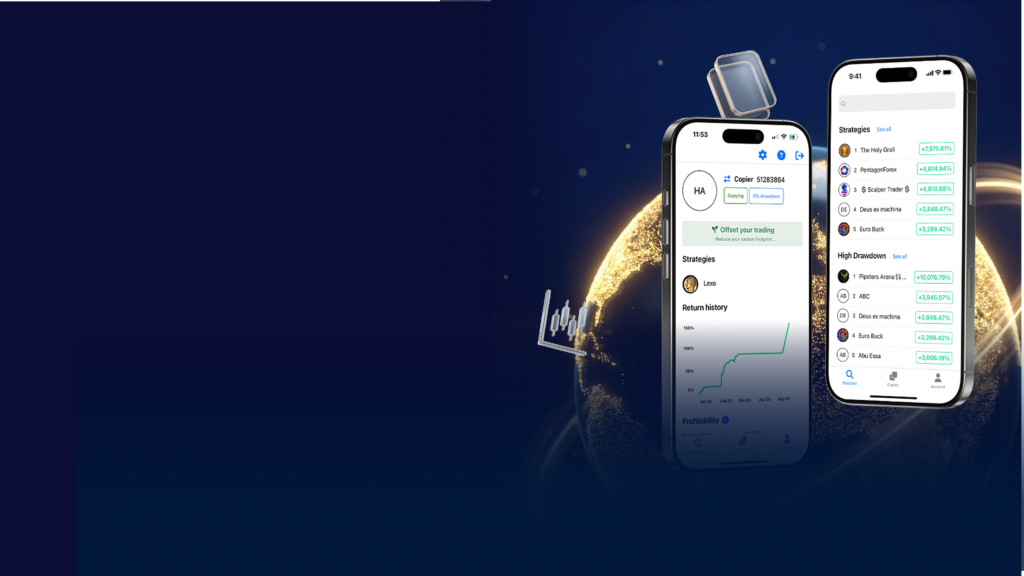
ZXCM Social Trader brings strategy selection and performance tracking into one clear, easy-to-use environment — all from your mobile device.
Open or Link Your ZXCM Trading Account

Access a Network of Traders
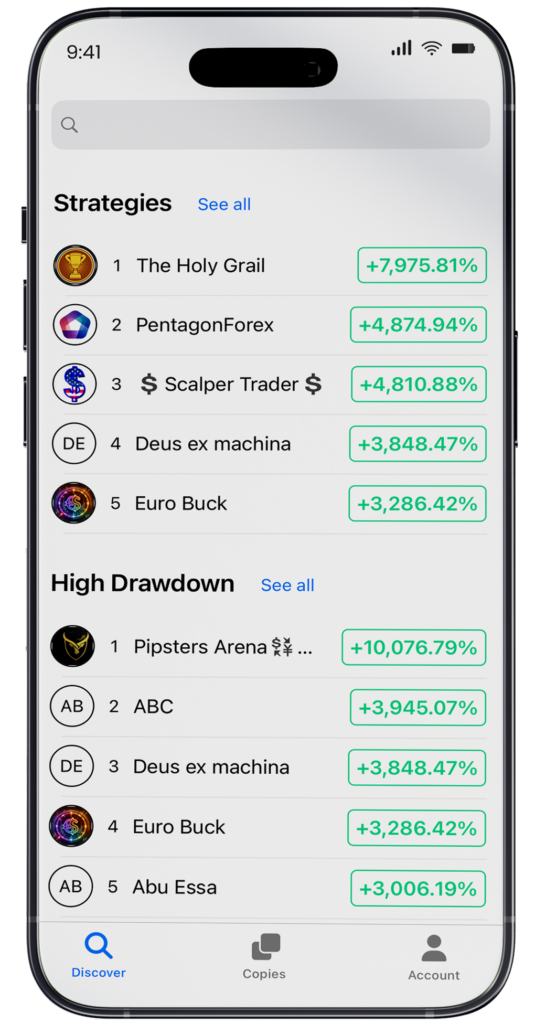
Explore a wide range of strategies and trading styles in one place.
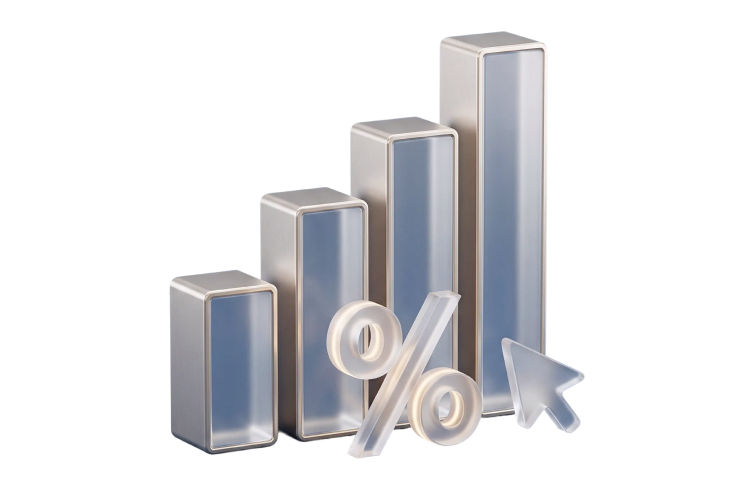
Clear Performance Data
Review key metrics that help you compare strategies with confidence.
Simple, Structured Experience
A clean interface designed to help you stay focused and organized.

Stay in Control
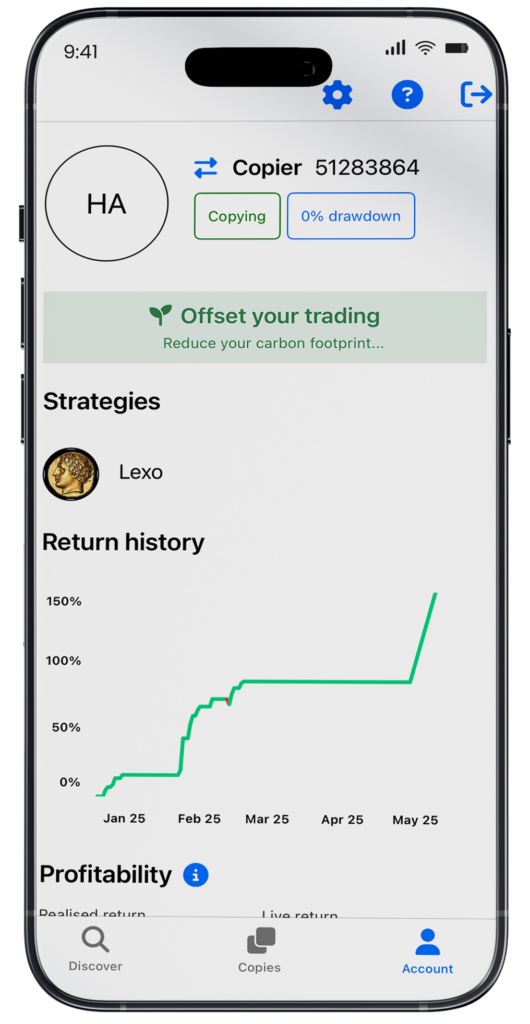
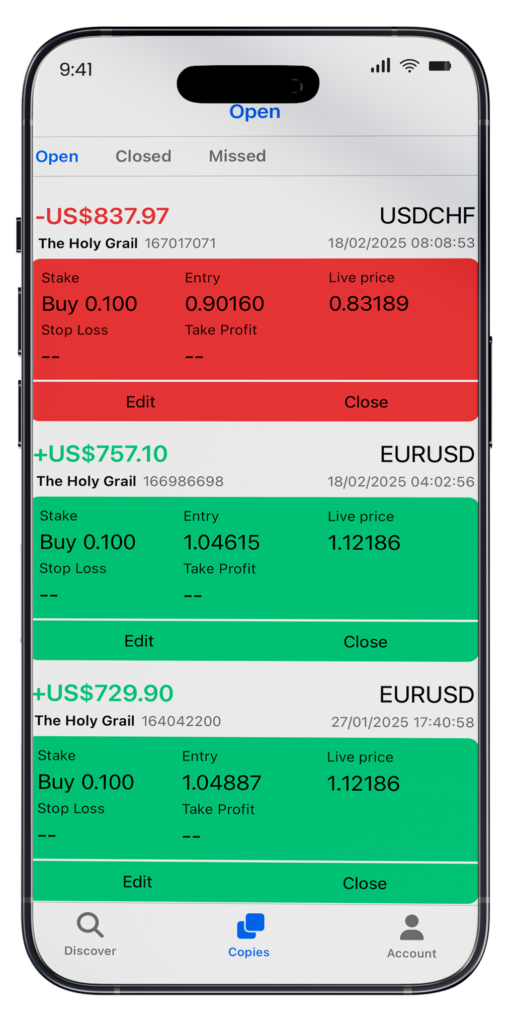
Monitor performance, manage your participation, and track progress in real time.
How It Works
1
Download the App & Sign Up
Install ZXCM Social Trader on iOS or Android.
Create your profile
2
Open Your Trading Account
Connect your existing ZXCM account.
3
Monitor & Adjust
Track performance, review updates, and manage your participation with clarity.
4
Choose a Strategy
Compare performance metrics and select a strategy that fits your approach.
Start in Minutes
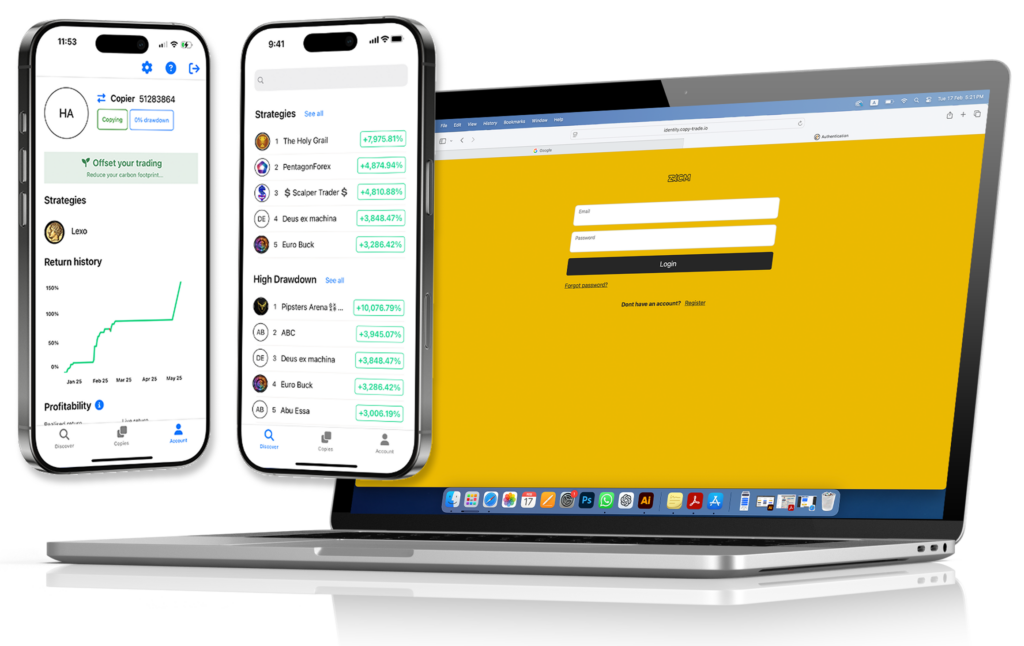
Designed with a clean, intuitive interface, no technical setup required.
Download the App
and explore strategies today.
Download the App
Key Features
Features Designed for Clarity

Performance tracking with clear visual insights

Strategy discovery and comparison tools
Real-time monitoring and structured navigation

Easy account linking to ZXCM trading accounts

Transparent views of historical performance (where available)

Risk visibility tools to support informed decisions
Features may vary by region and account type.
Why ZXCM Social Trader
Strategy Access Without the Noise
Markets reward discipline. ZXCM Social Trader is designed to make strategy more accessible while keeping the experience structured, measurable, and simple to follow — so decision-making stays clear.

Compare strategies using performance insights
Follow activity with structured monitoring

Stay aligned with a more disciplined approach
Trade Your Way
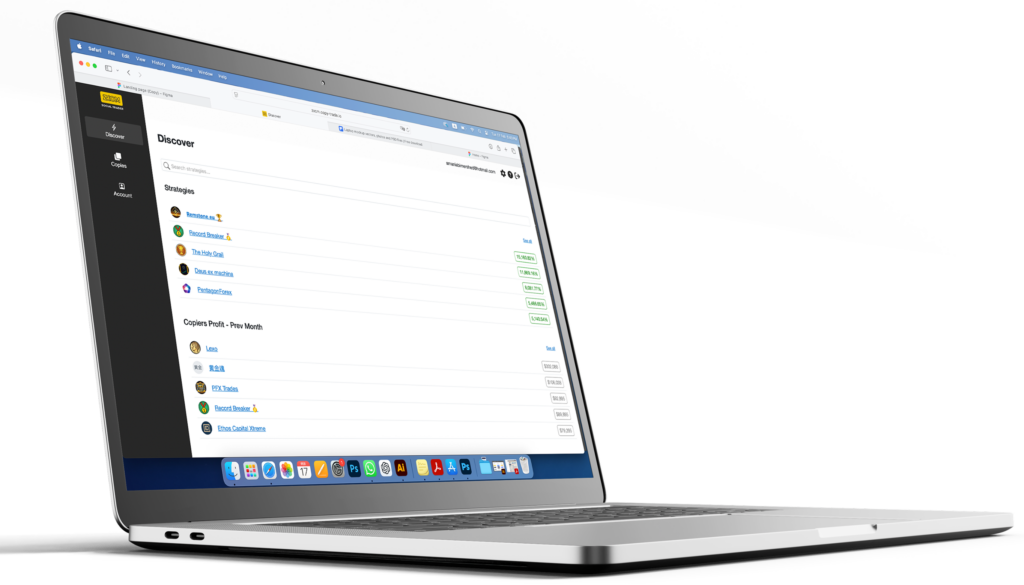
Web Version Available
Access the full Social Trader experience directly from your browser — no app download required.
FREQUENTLY ASKED QUESTIONS
FAQ
Is the ZXCM Social Trader App available on iOS and Android?


The app is available on both iOS and Android.
Do I need a ZXCM account to use the app?
Yes, you’ll need to open a ZXCM trading account or link an existing one within the app.
Can I monitor performance after selecting a strategy?
The app includes monitoring tools to help you track performance and activity.
Does copy trading guarantee profit?
No. Trading involves risk, and results are not guaranteed. Past performance is not a reliable indicator of future results.
Where can I get support?
You can reach our support team at support@zxcm.com or through the support channels listed on the ZXCM website.