



 Prefer email?





How do I change my personal details (email, phone number, or address)?


To update your personal details, log in to the ZXCM Client Portal and navigate to Profile Info. Some changes may require additional verification or supporting documents for security and compliance purposes.
Please note: Updating your personal information will reset your verification level. You will be required to reverify your identity to regain full access to financial operations, including deposits and withdrawals.
If you are unable to update certain details directly, please contact customer support for assistance.
How can I download my account statements or transaction history?
Transaction history is available in the ZXCM Client Portal under the Transaction History section and includes records of deposits, withdrawals, exchange transactions, transfers, and internal transfers.
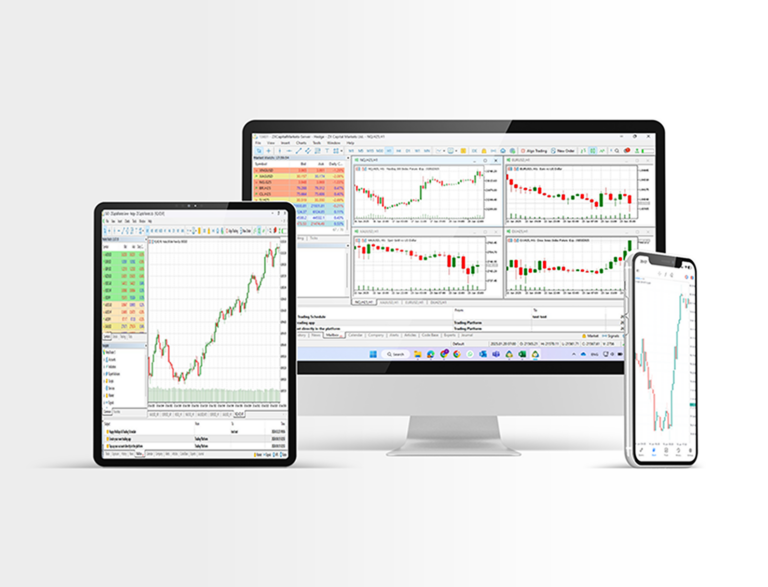
Account statements are available through your MT5 trading account. Downloading account statements or transaction history from the Client Portal is not available currently.