



 Prefer email?





Which trading platforms does ZXCM support? (MT5, WebTrader, mobile apps)?


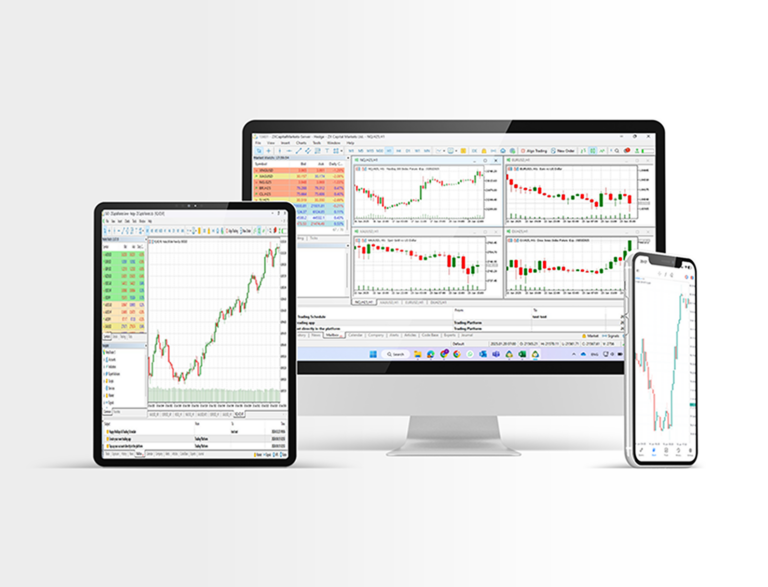
ZXCM supports MetaTrader 5 (MT5) as its primary trading platform.
How do I reset my MT5 trading password?
To reset or change your MT5 trading password, please follow these steps:
- Log in to the ZXCM Client Portal.
- Go to the MT5 section.
- Select the trading account for which you want to change the password.
- Open the Settings section.
- Next to Password, click Change.
- Choose the password type:
- Master Password (full trading access), or
- Investor Password (view-only access).
- Select one of the following options:
- Random Password – a new password will be sent to your registered email address, or
- Create Your Own Password – a verification code will be sent to your registered email, which you must enter to proceed and set a new password.
Once completed, your MT5 password will be updated successfully.
Where can I download MT5 for desktop or mobile?
You can download MetaTrader 5 (MT5) directly from the ZXCM website:
- Desktop version for Windows and Mac
- Mobile apps for iOS and Android Alternatively, you can use the MT5 WebTrader in your browser without any download. Links for each download method are provided on ZXCM’s MT5 page.
How do I reset my portal (client login) password?
If you forget your ZXCM client portal password:
- Go to the ZXCM portal login page.
- Click “Forgot Password?” or similar link.
- Enter your registered email address.
- Follow the instructions emailed to you to securely reset your portal password.
If you don’t receive email or encounter issues, contact ZXCM support for help restoring access.